
Samsung TV Black Screen Repair in Nairobi – Causes, Diagnosis and Solutions
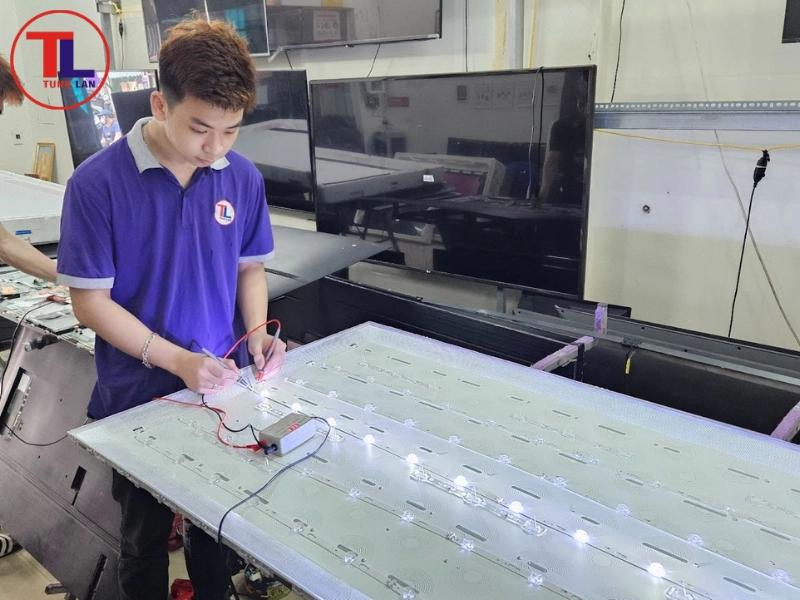
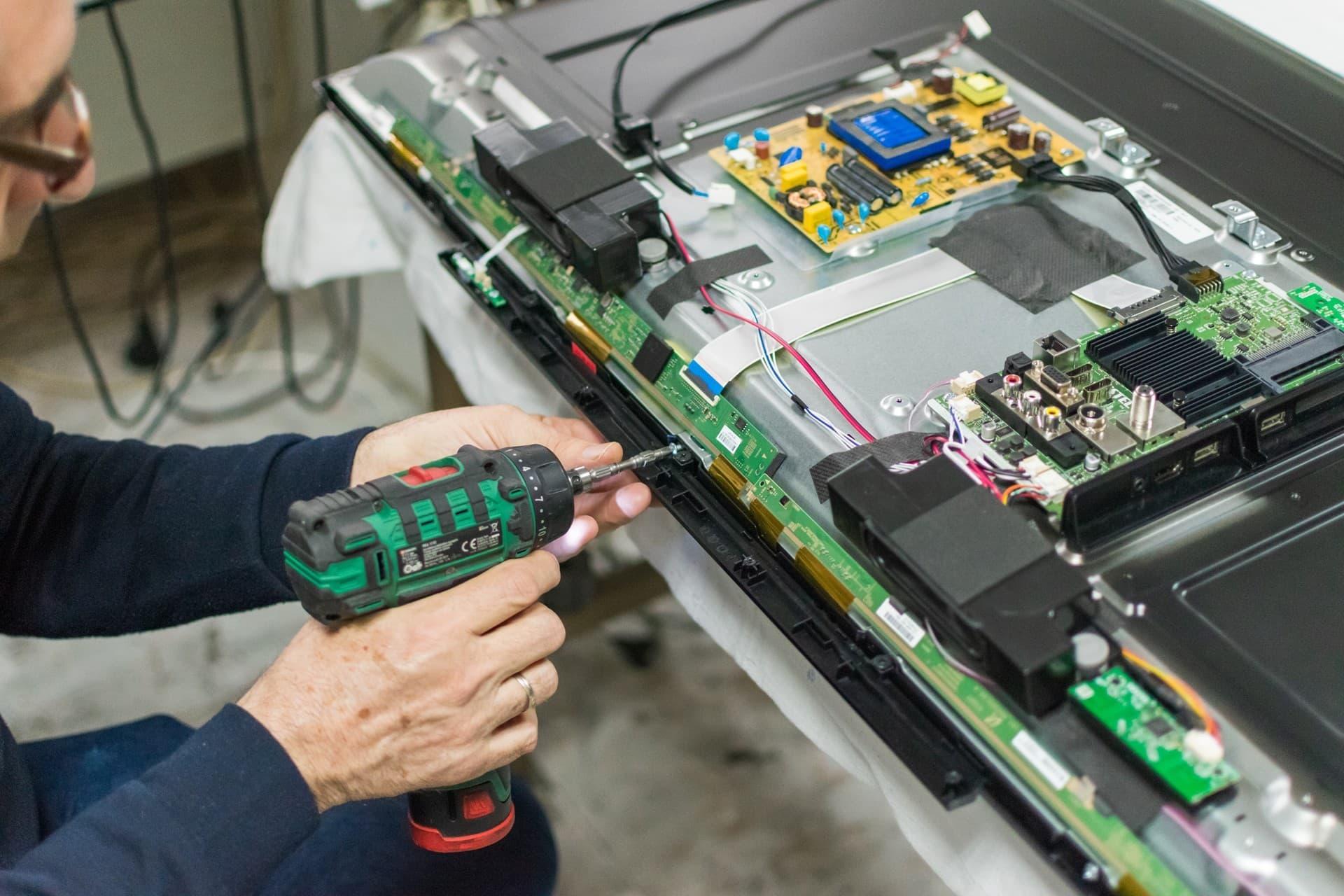
This article targets Samsung TV owners searching for Samsung TV black screen repair, Samsung TV turns on but no picture, Samsung TV blank screen, Samsung TV black screen with sound, and Samsung television display problems.
It will be structured differently from the previous articles to avoid repetitive content while strengthening your Samsung TV repair SEO topic cluster.
Samsung TV Black Screen Repair in Nairobi
A Samsung television that turns on but displays a black screen can be frustrating, especially when the TV appears to be functioning normally. You may hear sound, see the standby light responding, or notice that the television reacts to the remote control, but no picture appears on the screen.
A black screen does not always mean the Samsung TV screen is damaged. The problem may originate from the LED backlight system, power supply, motherboard, display circuitry, internal connections, or an external device connected to the television.
At GossTech Kenya Technologies, we diagnose and repair Samsung televisions experiencing black screen problems. We help identify the actual cause of the fault and recommend the appropriate repair instead of unnecessarily replacing expensive television components.
Our Samsung TV repair services are available in Nairobi and Across Kenya.
Why Does a Samsung TV Have a Black Screen?
Samsung televisions can develop black screen problems for different reasons. Some televisions may have sound but no visible picture, while others may fail to display anything immediately after powering on.
The symptoms can vary depending on the defective component.
Common causes include:
LED backlight failure
Power supply problems
Mainboard failure
Display control circuit faults
LCD panel problems
Loose internal connections
HDMI input problems
Software or startup problems
Faulty connected devices
Correct diagnosis is important because replacing the wrong component may not solve the problem.
Samsung TV Black Screen With Sound
One of the most common complaints is a Samsung TV that produces sound but has no picture.
The television may:
Turn on normally.
Respond to the remote control.
Change channels.
Produce sound.
Connect to external devices.
Display no visible picture.
Possible Causes
A Samsung TV with sound but no picture may have:
LED backlight failure: The television may still generate images, but defective LED strips prevent the screen from illuminating.
Backlight driver fault: The circuit responsible for controlling the backlight may be malfunctioning.
Power supply problem: The television may not be supplying the correct voltages to certain components.
Display circuitry fault: Problems within the display control system may prevent images from appearing.
LCD panel fault: Damage or failure within the display panel may cause the screen to remain blank.
How the Problem Is Diagnosed
A technician may perform a flashlight test, inspect the backlight system, measure relevant voltages, and examine the television’s internal circuits.
The diagnosis helps determine whether the problem is related to illumination, image generation, power delivery, or the display panel.
Samsung TV Turns On but Screen Remains Black
Your Samsung TV may appear to start normally but remain completely black.
You may notice:
The standby light changes when the TV is switched on.
The TV makes startup sounds.
The remote control works.
The screen remains blank.
The Samsung logo does not appear.
This type of fault may involve the television’s startup process, motherboard, power supply, backlight, or display system.
A television that appears to power on is not necessarily functioning correctly internally. Some components may receive power while another circuit fails to operate.
Different Types of Samsung TV Black Screen Problems
1. Completely Black Screen
The television has no visible display at all.
Possible causes include:
Failed LED backlights
Power supply malfunction
Mainboard failure
Display circuit problems
LCD panel faults
The television should be tested to identify which system is responsible.
2. Black Screen but Samsung Logo Appears
Some Samsung televisions briefly display the Samsung logo before the screen goes black.
This may indicate a problem that occurs during startup or when the television begins operating normally.
Possible causes include:
Software problems
Mainboard faults
Backlight failure
Power instability
Internal component failure
If the television repeatedly displays the logo and then becomes blank, further diagnosis is recommended.
3. Samsung TV Black Screen With Blinking Standby Light
A Samsung TV may have a black screen while the red standby light blinks.
Depending on the model and fault, this may indicate an issue involving the power supply, motherboard, backlight, or another internal circuit.
The blinking light alone is not always enough to identify the defective component.
4. Samsung TV Screen Goes Black After a Few Minutes
The television may initially display a picture but become black after operating for several minutes.
Possible causes include:
LED backlight problems
Thermal-related component faults
Power supply instability
Mainboard problems
Backlight protection activation
The timing of the failure is useful information during diagnosis.
5. Samsung TV Black Screen on HDMI
Sometimes the television works when using its menus or another source but displays a black screen when connected to a decoder, gaming console, laptop, or other HDMI device.
Possible causes include:
Faulty HDMI cable
Defective external device
Incorrect input selection
HDMI port failure
HDMI circuitry problems
Resolution or compatibility issues
This problem should first be checked by testing another HDMI cable and device before opening the television.
6. Samsung Smart TV Black Screen
Samsung Smart TVs may experience a blank screen during startup, while opening applications, or when navigating Smart Hub.
Possible causes include:
Software glitches
Firmware problems
Mainboard faults
Display-related faults
Power instability
If the TV displays its menus but becomes black when launching an application, the issue may be different from a television that has no picture whatsoever.
How to Troubleshoot a Samsung TV Black Screen
Before arranging a repair, there are a few safe checks you can perform.
1. Power Cycle the Television
Switch off the television and disconnect it from the power socket.
Leave it disconnected for approximately one minute, then reconnect it and switch it on.
This may resolve temporary startup or software-related problems.
2. Check the Power Connection
Confirm that:
The power cable is properly connected.
The socket is functioning.
The television is receiving power.
There is no obvious damage to the power cable.
If you suspect an electrical problem, avoid using the television until it has been checked.
3. Test the Remote Control
Try switching the television on using the TV’s physical power button, if accessible.
This can help determine whether the issue is related to the remote control or television operation.
4. Check External Devices
Disconnect HDMI devices such as:
TV decoders
Gaming consoles
Laptops
Streaming devices
Then switch on the Samsung TV and check whether its menu or startup display appears.
5. Perform the Flashlight Test
In a dark room, shine a flashlight closely against the screen while the television is switched on.
If you can see faint images, menus, or movement, the television may have a backlight-related problem.
However, this is only a preliminary test and cannot confirm the exact defective component.
6. Avoid Opening the Television Yourself
Samsung televisions contain electrical components that can retain dangerous voltages.
The LCD panel is also delicate and can easily be damaged during dismantling.
If the television remains black after basic troubleshooting, professional diagnosis is recommended.
Components That Can Cause Samsung TV Black Screen Problems
| Component | Possible Symptoms |
|---|---|
| LED backlight strips | Sound without picture, dark screen, faint image |
| Backlight driver | Screen flashes then goes dark |
| Power supply board | Failure to power on, black screen, shutdown |
| Mainboard | Startup failure, black screen, freezing |
| Display circuitry | Lines, distorted display, blank screen |
| LCD panel | Physical damage, permanent display failure |
| HDMI circuit | Black screen on specific input |
A proper diagnostic process helps establish whether the television requires component repair, board replacement, LED strip replacement, or further display investigation.
Samsung TV Black Screen Repair Services
GossTech Kenya Technologies provides diagnosis and repair for Samsung televisions experiencing different black screen symptoms.
Our services include:
Samsung TV black screen diagnosis
Samsung TV sound but no picture repair
Samsung LED backlight repair
Samsung LED strip replacement
Samsung power supply repair
Samsung motherboard repair
Samsung motherboard replacement
Samsung TV startup troubleshooting
Samsung HDMI port and input diagnosis
Samsung Smart TV troubleshooting
Samsung display fault diagnosis
We repair different Samsung television models and screen sizes, subject to the nature of the fault and availability of replacement parts.
Samsung TV Black Screen Repair in Nairobi and Across Kenya
If your Samsung TV has a black screen, our technicians can help diagnose the problem and recommend an appropriate repair.
We serve customers in Nairobi and surrounding areas, including:
Nairobi CBD
Westlands
Parklands
Kilimani
Kileleshwa
Lavington
Karen
Langata
South B
South C
Embakasi
Kasarani
Roysambu
Ruiru
Ruaka
Kiambu
Thika
Athi River
Kitengela
Ngong
We also serve customers Across Kenya, including Mombasa, Kisumu, Nakuru, Eldoret, Nyeri, Meru, Machakos, Kisii, Kakamega, Nanyuki, and many other towns.
Frequently Asked Questions
Why is my Samsung TV screen black but I can hear sound?
This may be caused by defective LED backlights, backlight driver problems, power supply faults, display circuitry problems, or other internal component failures.
My Samsung TV turns on but displays nothing. What is wrong?
Possible causes include LED backlight failure, motherboard problems, power supply faults, display system issues, or software-related startup problems.
Does a black screen mean my Samsung TV screen is broken?
Not necessarily. The LCD panel may still be intact. The problem could be caused by the backlight, power supply, motherboard, or other internal circuitry.
Can a Samsung TV black screen be repaired?
Many black screen problems can be repaired, depending on the defective component and the television’s condition. Diagnosis is necessary to determine the appropriate solution.
Why does my Samsung TV show a picture and then go black?
This may indicate backlight failure, unstable power, a defective component, or another fault that develops during operation.
Do you repair Samsung TVs with black screens outside Nairobi?
Yes. GossTech Kenya Technologies serves customers in Nairobi and Across Kenya. Contact us to discuss your location and television model.
Contact GossTech Kenya Technologies
Samsung TV Black Screen Repair | Samsung TV No Picture Repair | Television Diagnostics
If your Samsung television turns on but has no picture, produces sound without a display, displays a black screen, or switches from picture to darkness, contact us for professional diagnosis.
GossTech Kenya Technologies
📞 0723613664
📧 info@gosstech.co.ke
Description: Samsung TV black screen repair in Nairobi and Across Kenya. We repair Samsung TVs that turn on but have no picture, black screens with sound, backlight failure and display problems.